
Request a mail-in service by completing the form. Once done, make payment for the £45 service fee and check your email for further instructions.




We recommend updating your Mac to the latest version of macOS before your repair begins. Some diagnostic tools require the most recent software, and updating during service can extend repair time.
If you’re using a beta version of macOS, back up your device and downgrade to the current public release before your repair. Beta software can cause delays, additional charges, or data loss during service.
Please bring just your Mac for repair. Accessories like cases and chargers should stay with you, unless they’re related to the issue.
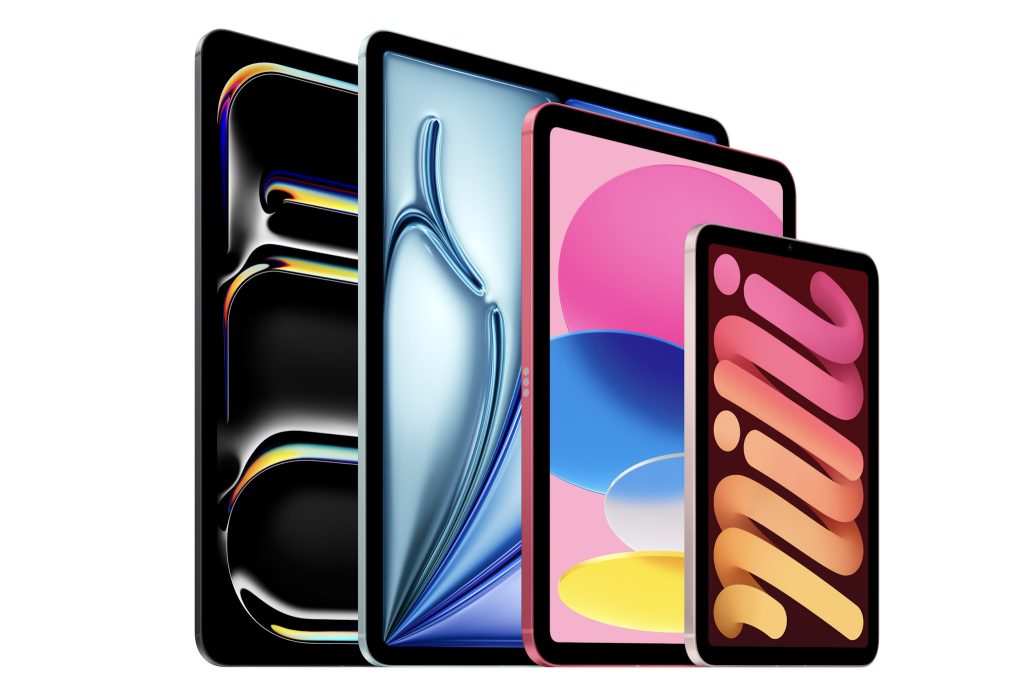
If you need service for your iPad, Apple service providers can generally offer repairs and parts for at least 5 years from when that iPad model was last manufactured (or longer where required by law). After that, support may be limited based on the product’s service status.
An iPad may be considered vintage when it hasn’t been manufactured for more than 5 years but less than 7 years. For vintage models, hardware service may no longer be available and parts can be limited.
An iPad is considered obsolete when it was discontinued more than 7 years ago. Apple no longer provides hardware service for obsolete models, and service providers can’t order parts for them..
Yes, we can help with iPad software issues.
While Apple warranty and AppleCare+ cover hardware repairs, software support is a little different. iPadOS and apps are provided “as is”, and things like settings changes, app behaviour, updates, or data-related issues aren’t covered in the same way as a hardware fault.
The good news is we can still help you get things back on track. We can troubleshoot common problems like updates not installing, freezing, Apple ID/iCloud sign-in issues, storage warnings, slow performance, and restore errors.
If needed, we can also help you back up your data and use Apple’s tools to erase your iPad and reinstall iPadOS, returning it to a clean, factory state. While this often resolves persistent issues, software performance can still depend on the apps, data, and settings you restore afterwards.
Software support is charged at £20 for a 15-minute support session.
As an Apple Authorised Service Provider, we can help with iPad repairs, but the type of service available depends on your iPad model.
For many iPad models, Apple’s standard approach is Whole Unit Replacement (WUR). That means the iPad is replaced rather than repaired with individual parts.
Some newer iPad models may be eligible for specific part repairs. When part repair is available, it is typically completed via mail-in service rather than in-store.
We will confirm your iPad model and diagnose the issue, then explain the available service option, expected turnaround time, and cost before we proceed.
Same day repair service is available for eligible devices, subject to parts availability, technician capacity and successful inspection. Not all repairs qualify for same day completion, and turnaround times are estimates only. If additional issues are identified during inspection, including liquid damage, enclosure damage or prior third-party repairs, we’ll contact you before proceeding, as this may affect pricing and timing.
Customers are responsible for backing up all data prior to service. Please ensure you have a backup that has been verified as working before bringing any device in for repair. It may be necessary to erase the device during the repair process and, without a verified backup, all data may be permanently lost. While iStore takes reasonable care when handling devices, we cannot be held liable for any data loss that may occur during service.
For all repairs, Find My must be turned off before service can begin. This is required to allow us to carry out testing and complete the repair in accordance with Apple’s security requirements. If Find My has not been disabled before your appointment, and it cannot be turned off in store, we may be unable to proceed and your repair will need to be rescheduled.
All Apple products are covered by the standard one-year limited warranty provided by Apple. This warranty covers manufacturing defects in materials and workmanship under normal use. This warranty does not cover accidental damage, misuse, unauthorised modifications, liquid damage, cosmetic damage, or issues caused by external factors. All warranty assessments and decisions are subject to Apple’s official warranty policies and approval processes.